


Installation and Driver Update Instructions for the LETATWIN LM-550A Printer
The following operating systems are supported for installing the LETATWIN PC EDITOR software and printer drivers on a PC:
Windows Vista – compatible with 32-bit Windows only.
Windows 7 / 8 / 8.1 / 10 – compatible with both 32-bit and 64-bit Windows.
Download the installation package containing the LETATWIN PC EDITOR software and printer drivers.
1. Installing LETATWIN PC EDITOR
- Close all other applications before installing LETATWIN PC EDITOR.
- Download the installation files and save them to your computer.
- Extract the downloaded files.
- Open the folder named Letatwin_PC_550A_PC_ce. The installation files will be displayed.
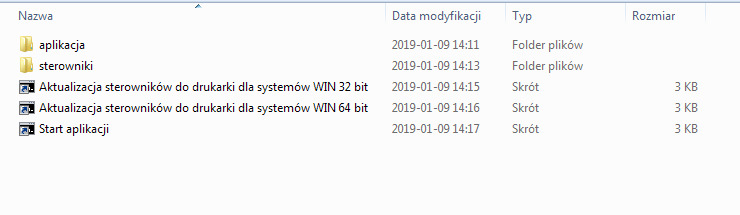
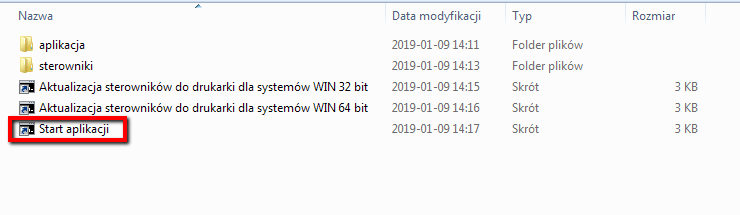
- Run Start Application.
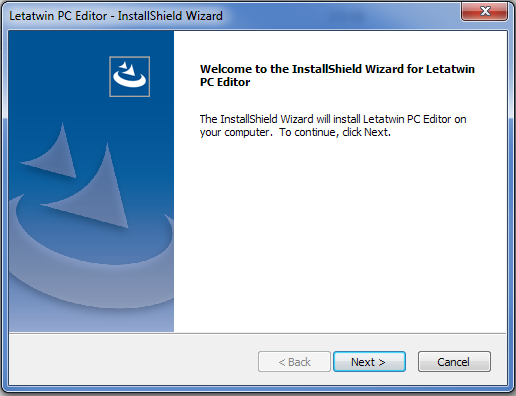
- Follow the on-screen instructions to complete the installation.
Note: If an earlier version of LETATWIN PC EDITOR is already installed on your computer, uninstall it before installing the new version. The software and printer drivers must be uninstalled separately.
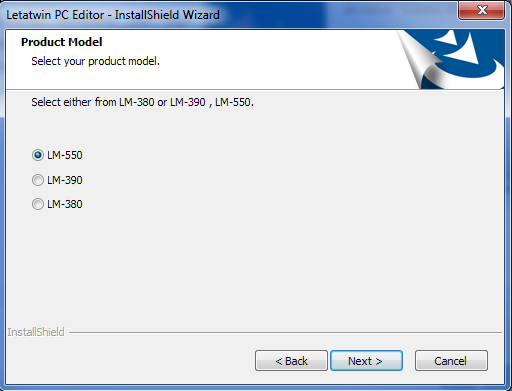
- During installation, you will be asked to select the printer model and model name. Select LM-550 and the appropriate model name after checking the label on the underside of the printer.
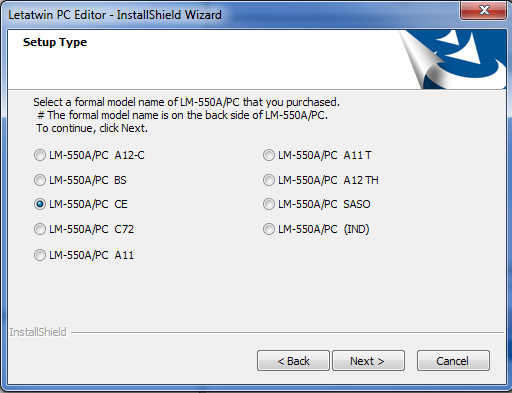
- Next, select the appropriate language.

- Continue following the on-screen instructions until the installation is complete.
- Restart your computer. The installation is now complete.
2. Installing the Printer Drivers
- Close LETATWIN PC EDITOR and all other applications before installing the printer drivers.
Note: If an earlier version of the printer drivers is installed, uninstall it first. The software and printer drivers must be uninstalled separately using the relevant installation application.
- Open the folder containing the downloaded installation files.
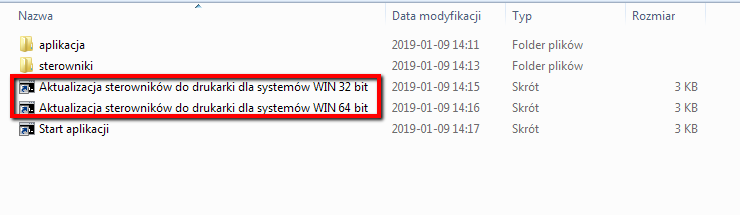
- Double-click the appropriate driver installation file:
Update Drivers for 64-bit Windows Systems – for 64-bit operating systems.
Update Drivers for 32-bit Windows Systems – for 32-bit operating systems.
- Connect the LETATWIN LM-550A/PC printer to your computer using a USB cable, then switch on the printer. Select the material on which you want to print.
- Press OPTION.
The initial screen displaying [DIRECT PRINTING FROM A COMPUTER] will appear.
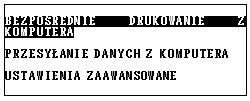
-
- Press the ▲/▼ keys to select [TRANSFER DATA FROM COMPUTER].
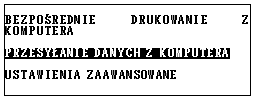
- Press ENTER.
- Press the ▲/▼ keys to select [YES].
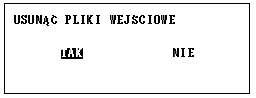
- Press ENTER.
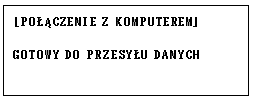
- A message will appear indicating that the printer is ready to receive data from the computer.
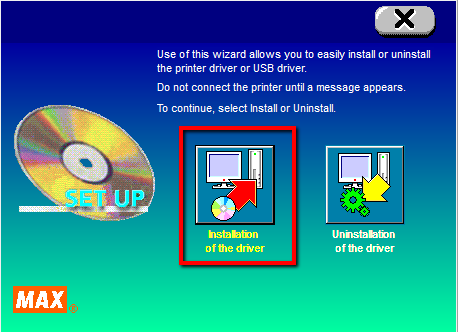
- Start the printer driver installation by clicking Installation of the driver.
Note: To uninstall previously installed drivers, click Uninstallation of driver.
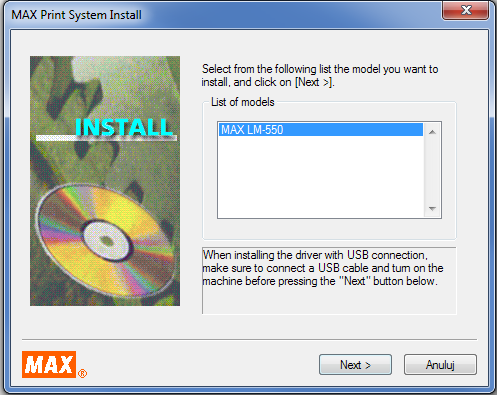
- Select the printer model for which you want to install the drivers.
- Follow the on-screen instructions to complete the installation. The displayed messages may vary depending on the operating system, including Windows Vista.
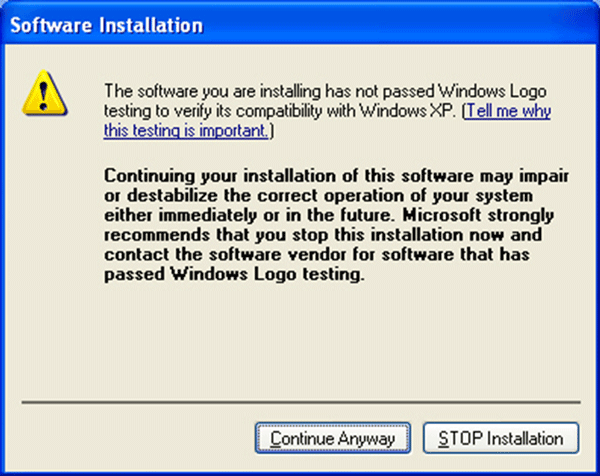
Note: If the following warning message appears, continue the installation by clicking [Continue Anyway] or [Yes]. Despite this warning, the software can be used normally.
- When the corresponding message appears, select [Yes. Restarts immediately. (restart computer)], then click [Finish].
- Restart your computer. The installation is now complete.
Downloads
LETATWIN PC EDITOR and printer driver installation instructions – Download